Essential Smart Devices for Elderly Living Alone
Introduction
Choosing the right smart devices for elderly living alone can make everyday life more convenient while adding useful layers of safety and connection. For an older adult who wants to remain independent, simple technology can help with tasks that might otherwise become frustrating: turning lights on, remembering appointments, checking who is at the door, calling family, or receiving an alert when something unusual happens at home. The goal is not to turn a senior’s house into a complicated technology laboratory. It is to create a home that quietly supports the person who lives there.
This is especially relevant because falls remain a major concern for older adults. The CDC reports that more than 14 million adults aged 65 and older—about one in four—report falling each year, and around 37% of those who fall report an injury that requires medical treatment or restricts their activity. Smart technology cannot prevent every accident, but it can complement practical safety measures by improving lighting, communication, security awareness, and access to assistance.
There is also a bigger trend behind these devices. In 2026, ISO published guidance specifically addressing the safety and usability of smart-home products and systems for older people, emphasizing that technology should be selected according to changing needs, lifestyles, safety requirements, and usability. That is an important idea to keep in mind throughout this guide: the best smart home for a senior is not necessarily the one with the most devices—it is the one that makes daily life easier without creating new problems.
Why Smart Technology Matters for Seniors Living Alone
Living alone does not necessarily mean an older adult needs constant supervision. In fact, the right technology can support independence rather than replace it. A voice assistant can allow someone to control lights without walking across a dark room, a smart doorbell can provide information about visitors before opening the door, and a smartwatch can offer another way to contact family when a phone is inconvenient.
Smart technology can also give family members reassurance without requiring them to constantly call or visit just to check that everything is normal. For example, a connected home system might send a notification when a door opens or allow a family member to communicate through a smart display. Amazon specifically describes Alexa technology for senior living as a way to help residents stay connected with caregivers and family while controlling smart-home devices through voice commands.
Safety, Independence, and Everyday Convenience
The most useful smart devices for elderly living alone tend to solve ordinary problems. A senior may not think of a smart speaker as a safety device, but being able to say a voice command instead of reaching for a phone can be genuinely convenient. Likewise, automated lighting may appear like a luxury until you consider how much easier it can be to illuminate a hallway at night without searching for a switch.
The same principle applies to home security. A smart doorbell can allow an older adult to see who is outside before opening the door. A smart lock can reduce the need to search for keys. Motion sensors can automate lights or send notifications when activity occurs. None of these technologies should be viewed as a guarantee against accidents or crime, but together they can create a more responsive environment.
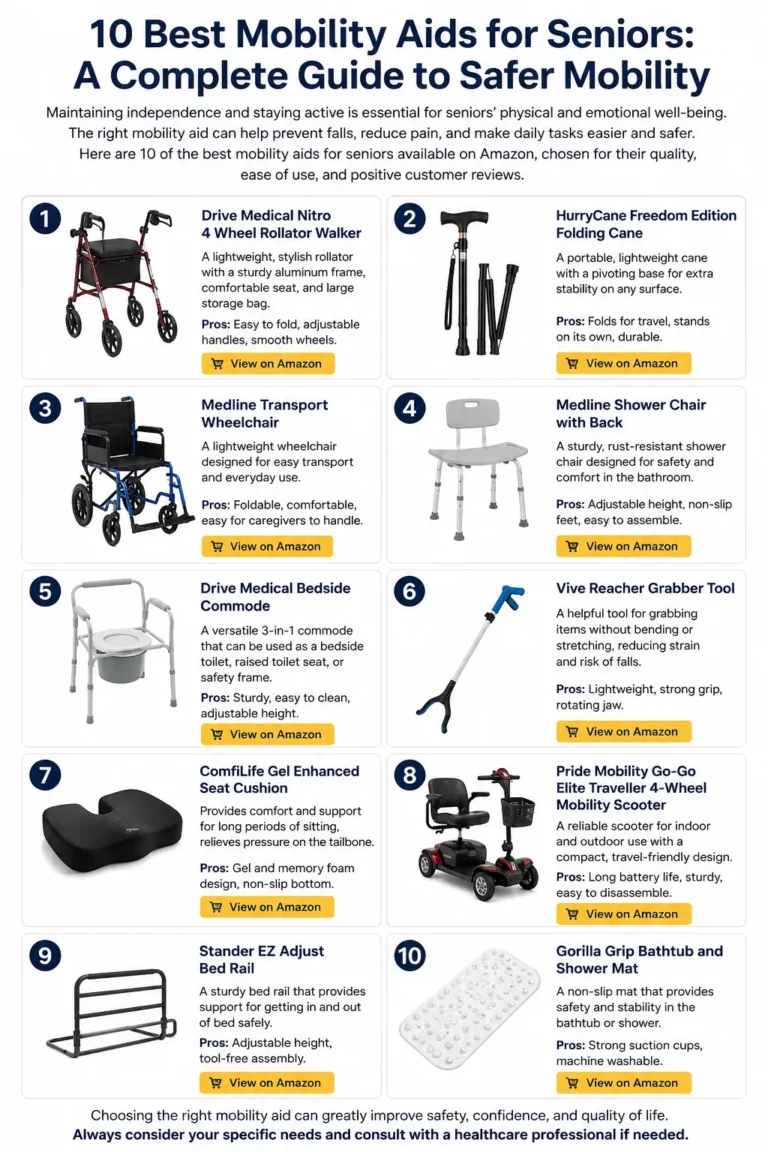
The CDC also recommends practical home-safety measures such as removing trip hazards, improving lighting, and installing appropriate grab bars and railings as part of fall prevention. Smart technology works best as a complement to those fundamentals, not as a replacement for them.
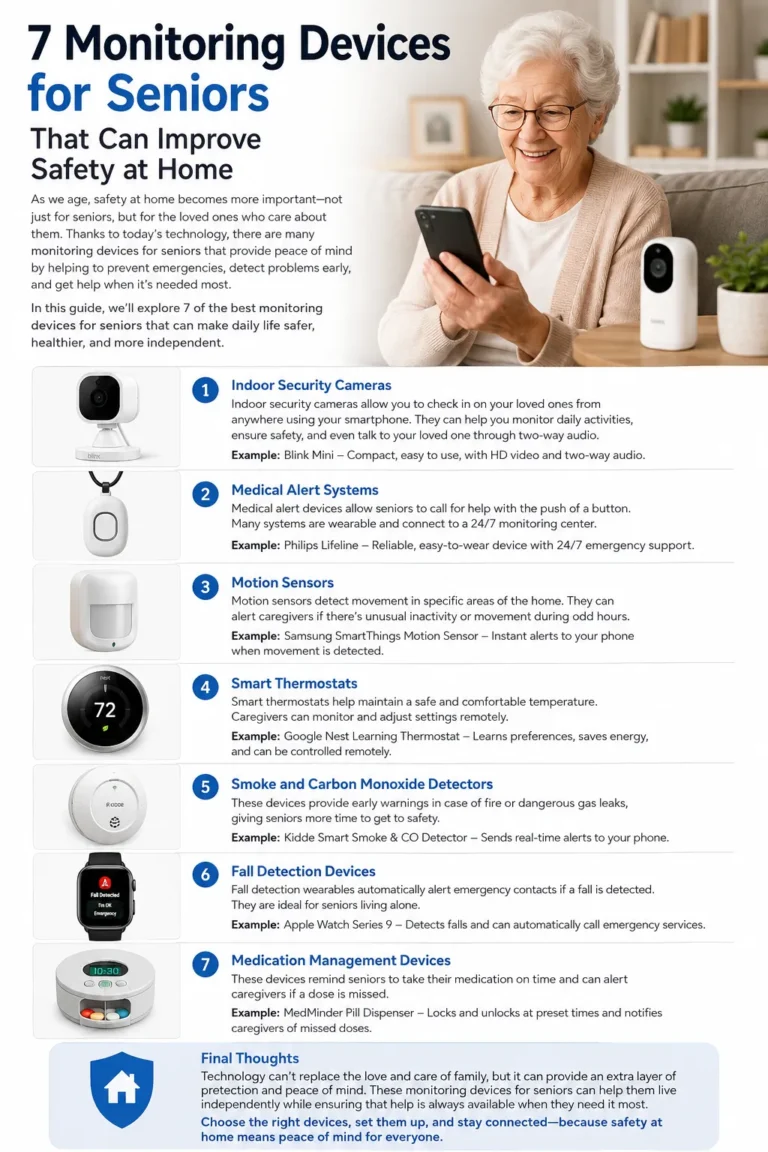
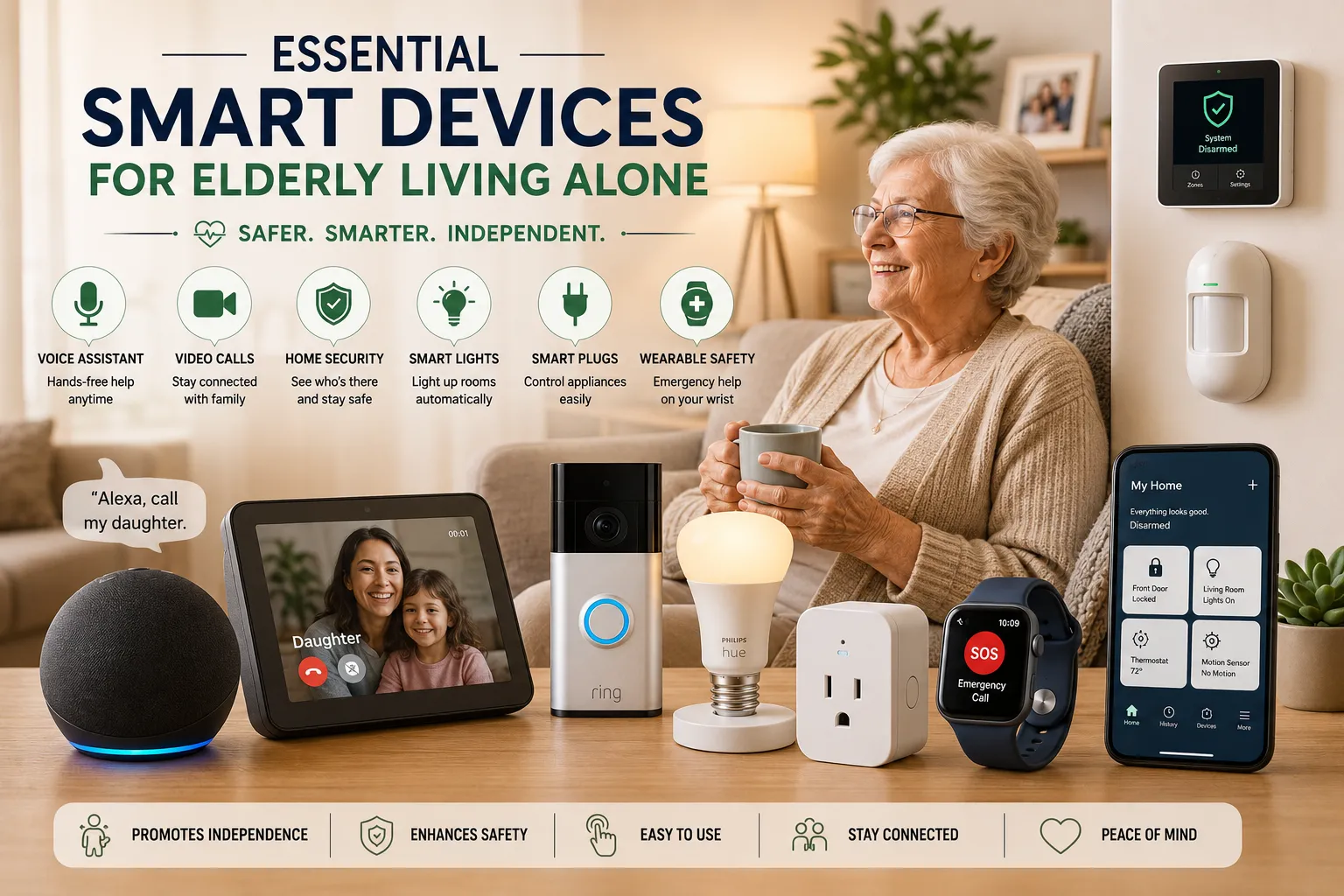
7 Essential Smart Devices for Elderly Living Alone
There are dozens of smart-home products available, but seniors do not need everything. A practical setup can start with a few devices that solve the most important problems and then expand gradually.
| Device | Main purpose | Main benefit | Potential limitation |
|---|---|---|---|
| Smart speaker | Voice control and communication | Hands-free assistance | Requires setup and internet |
| Smart display | Video calls and visual information | Easier family communication | More expensive than basic speakers |
| Smart doorbell | Visitor awareness | See and communicate with visitors | Requires installation and connectivity |
| Smart lights | Automated lighting | Easier nighttime movement | Requires compatible bulbs or switches |
| Smart plugs | Appliance control | Automates simple devices | Not suitable for every appliance |
| Smartwatch | Communication and safety | Wearable emergency features | Charging and usability |
| Security system | Home monitoring | Multiple sensors in one system | May involve subscription costs |
1. Smart Speakers and Voice Assistants
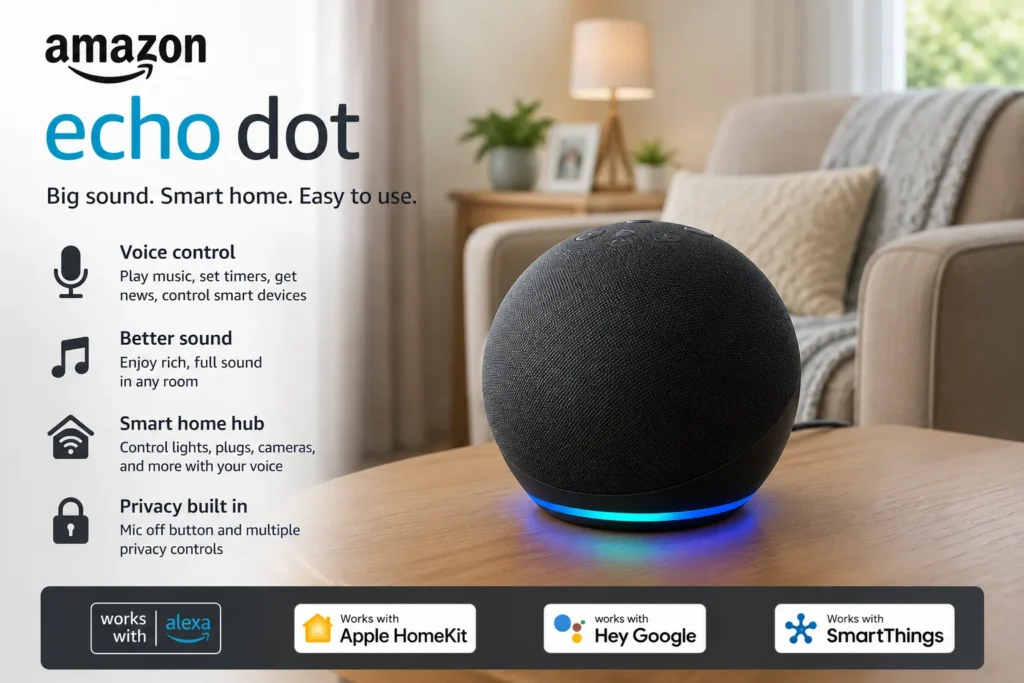
- Interested in this product? Check the link below for more details, or search for the product name directly on Amazon.
A smart speaker is arguably one of the simplest starting points for an older adult living alone. Devices such as the Amazon Echo can respond to voice commands without requiring the user to navigate a smartphone screen. Depending on the setup and supported services, a senior can use voice commands for reminders, timers, music, information, smart-home controls, and communication.
For someone with limited comfort using smartphones, this can be particularly useful. Instead of remembering which application controls a particular light, the person can simply ask the voice assistant to turn it on. Amazon’s own senior-living material highlights voice technology for calling family, setting reminders and alarms, and controlling connected devices.
The important thing is to keep the setup simple. Too many routines, commands, and connected services can make the system confusing. Start with a handful of useful commands and add more only when the senior is comfortable.
2. Smart Displays for Video Calling
A smart display takes the idea of a voice assistant and adds a screen. Products such as the Amazon Echo Show 8 can be useful for seniors who want to communicate with family members visually rather than relying entirely on voice calls.
Video communication can be especially convenient for family members who live farther away. Instead of waiting for a scheduled visit, relatives may be able to communicate through a compatible smart-home setup. A display can also show information such as reminders, weather, calendars, and other supported content.
Amazon product example: Amazon Echo Show 8
The screen size and placement matter. Put the display somewhere the senior naturally spends time rather than hiding it in a corner. The easier it is to see and hear, the more likely it is to become part of the daily routine.
3. Smart Doorbells and Security Cameras
A smart doorbell can be particularly useful for an older adult living alone because it adds information before the door is opened. Products such as the Ring Battery Doorbell can provide features such as video viewing and two-way communication, depending on the model and service configuration.
This can be helpful when an unfamiliar person arrives. Instead of immediately opening the door, the senior can check the visitor first. Family members may also be able to receive notifications through the associated system, depending on the configuration.
Amazon product example: Ring Battery Doorbell
However, privacy should be considered before installing cameras. A camera should be positioned carefully, and everyone in the household should understand what it records and who can access the footage. A doorbell camera should improve awareness, not create an uncomfortable feeling of being constantly watched.
4. Smart Lights and Motion Sensors
Lighting is one of the most practical areas where smart technology can help. Smart bulbs or smart switches can automate lights at specific times or allow them to be controlled by voice. Motion sensors can also trigger lighting when someone enters an area.
Imagine an older adult getting up at 2 a.m. Instead of walking through a completely dark hallway looking for a switch, a properly configured motion sensor could activate a light automatically. That does not eliminate fall risk, but it can make the environment easier to navigate.
This complements conventional fall-prevention advice. The CDC specifically recommends making homes safer by improving lighting and reducing things that can cause trips.
Amazon product examples: Philips Hue smart bulbs and compatible motion sensors
The best setup does not need dozens of bulbs. Focus on locations where lighting matters most, such as hallways, bathrooms, bedrooms, stairways, and entrances.
5. Smart Plugs and Appliance Controls
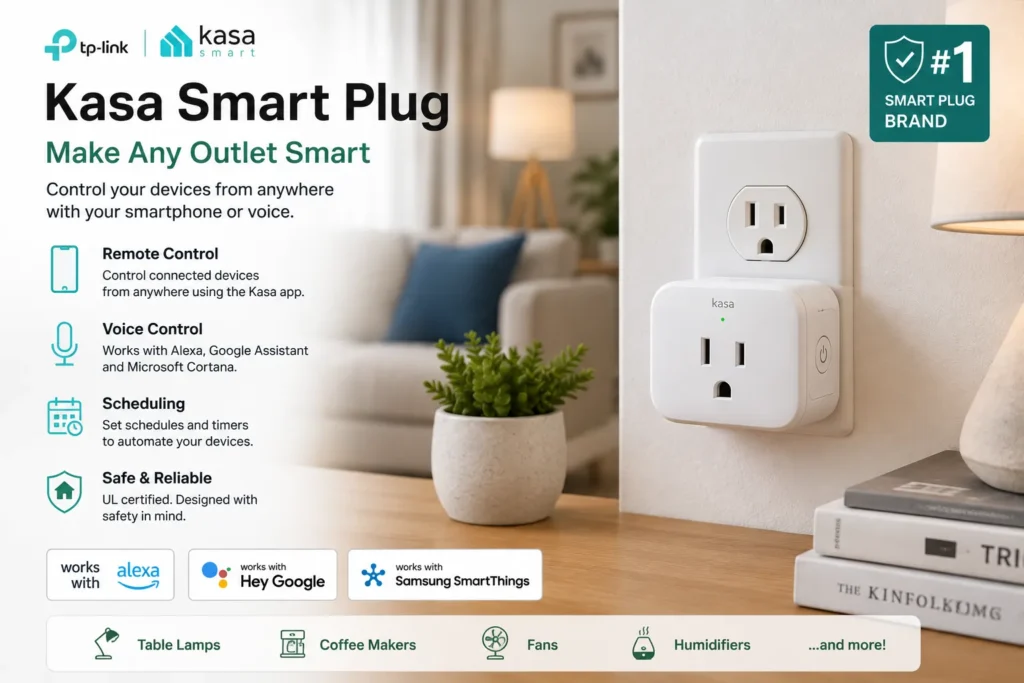
Smart plugs are inexpensive compared with many sophisticated smart-home systems, but they can be surprisingly useful. They allow certain compatible appliances to be controlled through an app or voice assistant and can be incorporated into routines.
For an older adult, this can make everyday tasks easier. A lamp can be scheduled to turn on at a certain time, for example, or a compatible appliance can be controlled without reaching behind furniture to find a switch.
Amazon product example: Kasa Smart Plug
- Interested in this product? Check the link below for more details, or search for the product name directly on Amazon.
There is one important rule: do not connect appliances to a smart plug simply because you can. Heating appliances and other high-power devices require special attention to their electrical requirements and the manufacturer’s instructions. Smart technology should simplify a safe setup rather than encourage risky automation.
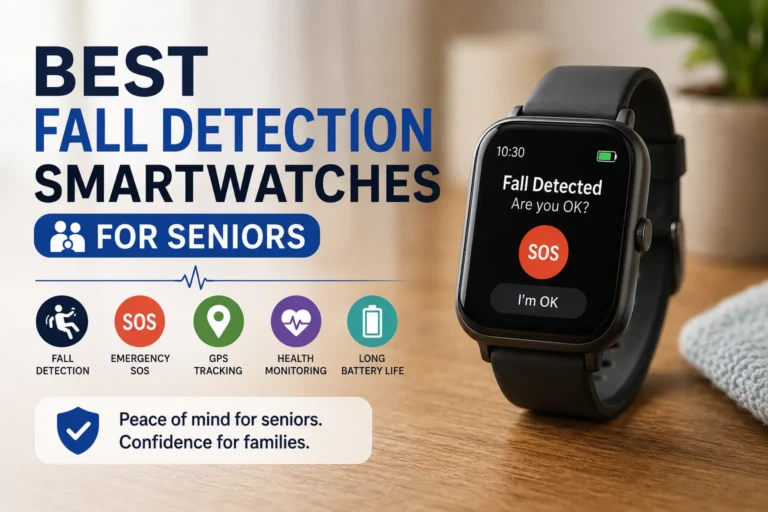
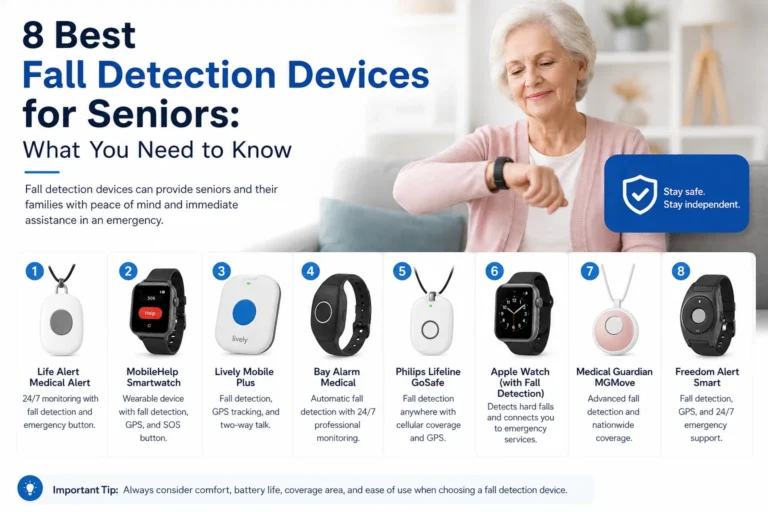
6. Smartwatches and Emergency Alert Devices
Wearable technology can add a personal layer of safety that home-based devices cannot provide. A smartwatch such as the Apple Watch Series 10 can offer communication and safety-related features, depending on the model, configuration, and region.
This type of device can be useful when the senior leaves the house because the technology travels with them. Some wearable devices can provide emergency communication or fall-related features, but families should understand exactly what the particular model supports rather than assuming every smartwatch works the same way.
Amazon product example: Apple Watch Series 10
The main limitation is usability. A smartwatch may be a poor choice for someone who finds small screens difficult to operate or who dislikes wearing a watch. Battery charging also needs to become part of the person’s routine.
7. Smart Home Security Systems
For a senior living alone, a broader security system can bring several individual technologies together. Systems such as SimpliSafe or Ring Alarm can combine sensors and alerts designed to monitor doors, windows, movement, and other parts of the home.
This type of system may be particularly useful when family members want notifications about specific events. For example, an alert could indicate that a monitored entry point has been opened. Depending on the system and subscription, professional monitoring may also be available.
Amazon product examples: SimpliSafe Home Security System and Ring Alarm
The key is to avoid turning security into another source of stress. A senior should understand the basic alarms and what to do when one occurs. If the system produces too many unnecessary notifications, people may eventually start ignoring them.
Key Features to Look For in Smart Devices for Elderly Living Alone
Not every smart device is senior-friendly. A product can have impressive specifications and still be frustrating for someone who does not want to spend time learning complicated menus. When evaluating smart devices for elderly living alone, simplicity should be treated as a major feature rather than an afterthought.
Ease of use should come first. Large buttons, clear voice commands, simple applications, audible notifications, and straightforward setup can make a huge difference. If a senior cannot understand what the device is doing, the technology is not providing much value.
Reliability matters just as much. Smart-home devices usually depend on electricity, Wi-Fi, Bluetooth, cellular connectivity, or some combination of these. Families should understand what happens when the internet goes down or the power fails. A smart device should not be treated as the only safety mechanism in the home.
Privacy and security deserve equal attention. Cameras, microphones, sensors, and connected devices can collect information about everyday routines. Families should use strong account security, enable available security protections, and understand the company’s data practices. Location and home-activity information can be particularly sensitive.
Compatibility is another consideration. If the home already uses Alexa, for example, choosing products that work well within that ecosystem may make setup easier. Mixing several incompatible platforms can create unnecessary complexity.
How to Build a Smart Home for an Older Adult
The easiest approach is to build gradually rather than purchasing everything at once. Start by identifying the biggest everyday challenge. Is it communication with family? Nighttime lighting? Door security? Remembering routines? Emergency communication?
If communication is the biggest concern, a smart speaker or display may be the best first step. If nighttime movement is the concern, automated lighting and motion sensors may provide more immediate value. If the senior regularly leaves the house alone, a wearable safety device may be more relevant than another indoor smart-home product.
A simple setup could look like this:
| Priority | Device | Purpose |
| Communication | Amazon Echo or Echo Show | Voice/video communication |
| Entry safety | Ring Battery Doorbell | Visitor awareness |
| Nighttime safety | Smart bulbs + motion sensor | Automatic lighting |
| Appliance convenience | Kasa Smart Plug | Simple device control |
| Personal safety | Apple Watch or alert device | Wearable communication |
| Home security | SimpliSafe or Ring Alarm | Sensors and security alerts |
This layered approach is more practical than attempting to automate the entire house. It also makes troubleshooting easier. If something stops working, the senior and family members have fewer systems to investigate.
The setup should also be tested before relying on it. Ask the senior to use the voice assistant, answer a video call, respond to an alert, and interact with the security system. If they cannot comfortably use the technology during a calm test, it may be even harder during a stressful situation.
Smart Devices Should Complement, Not Replace, Human Support
One mistake families can make is treating technology as a substitute for human connection. A smart speaker can make a phone call, but it cannot replace a conversation. A security camera can show that someone is at the door, but it cannot decide every situation correctly. A motion sensor can detect movement, but it does not understand everything happening inside the home.
Technology is most useful when it supports an existing network of family members, caregivers, neighbors, and other trusted people. The Alzheimer’s Association similarly notes that smart-home technologies such as lighting controls, leak alerts, alarms, doorbell cameras, smart locks, and appliances can support independence, while also emphasizing that technology has limitations.
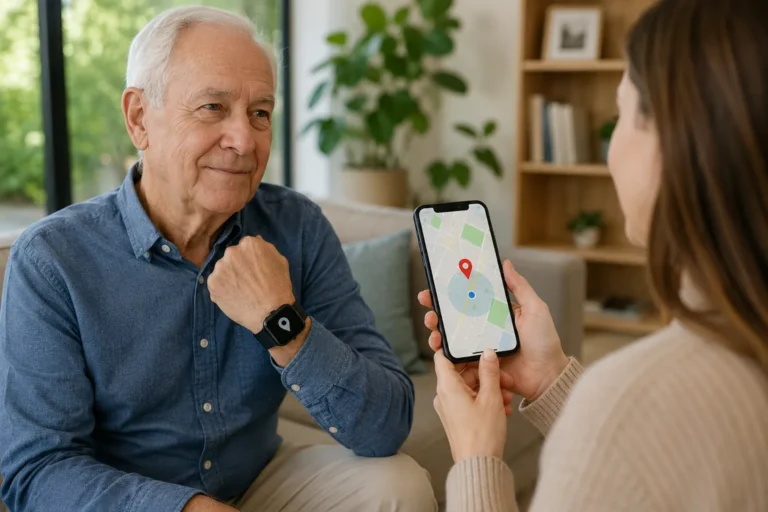
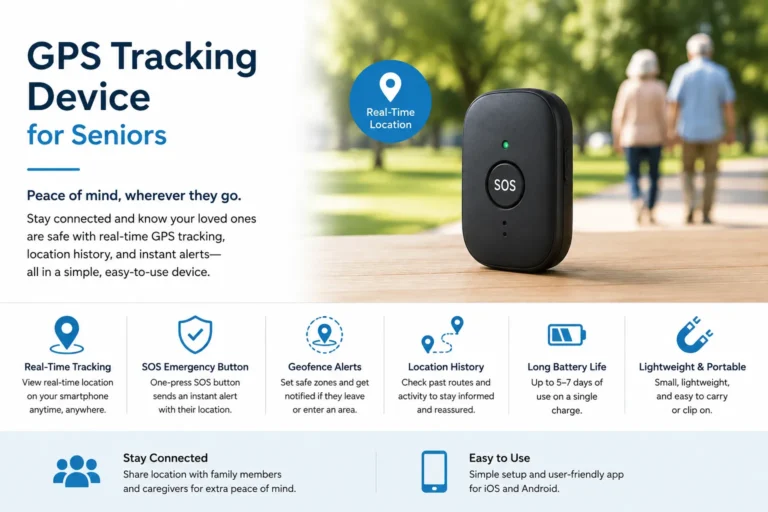
That distinction is especially important with safety. No smart device can guarantee that an emergency will be detected or prevented. Even location and tracking systems are not perfectly accurate, particularly indoors or in challenging environments.
Frequently Asked Questions
What are the best smart devices for elderly living alone?
There is no single device that is best for every senior. A practical starting combination may include a voice assistant, smart lighting, a smart doorbell, and an appropriate wearable or emergency-alert device. The right combination depends on the senior’s lifestyle, comfort with technology, and specific safety needs.
Can Alexa help an elderly person living alone?
Yes. Alexa-compatible devices can support voice-based reminders, alarms, communication, music, information requests, and control of compatible smart-home devices. Amazon specifically highlights these types of uses for senior living environments.
Are smart home devices safe for seniors?
They can be useful when properly selected and configured, but they are not a guarantee of safety. Families should consider electrical safety, privacy, cybersecurity, reliability, and what happens if the internet or electricity fails. Smart devices should complement basic home-safety measures rather than replace them.
Can smart lights help prevent falls?
Smart lighting cannot guarantee that a fall will be prevented. However, automated lighting can make certain areas easier to see, particularly during nighttime movement. This complements conventional fall-prevention recommendations that include improving lighting and removing trip hazards.
Should an elderly person living alone have a smart doorbell?
A smart doorbell can be useful for someone who wants to see or communicate with visitors before opening the door. It may provide an additional layer of awareness, but it should not be viewed as a complete home-security solution.
How many smart devices does a senior actually need?
Usually fewer than you might expect. A small number of well-chosen devices that the senior understands and regularly uses can be more valuable than a house full of complicated technology. Start with the biggest daily needs and expand only when there is a clear benefit.
Final Thoughts
The most useful smart devices for elderly living alone are not necessarily the most advanced ones. They are the devices that quietly solve real problems: a smart speaker that makes communication easier, a smart display that keeps family connections close, a doorbell that provides information about visitors, smart lights that improve nighttime visibility, smart plugs that simplify everyday routines, a wearable device that travels with the senior, and a security system that adds another layer of awareness.
The strongest setup is usually a layered smart home rather than one device expected to do everything. Start with simple technology, make sure the senior is comfortable using it, and gradually add devices when they provide a clear benefit. Current guidance on smart homes for older adults emphasizes assessing individual needs, usability, safety, and changing lifestyles rather than simply adding technology for its own sake.
Most importantly, remember that technology should support independence, not take it away. A well-designed smart home can make everyday tasks easier and give family members additional peace of mind, while the senior remains in control of their own home and routines.
- For more informatin click here