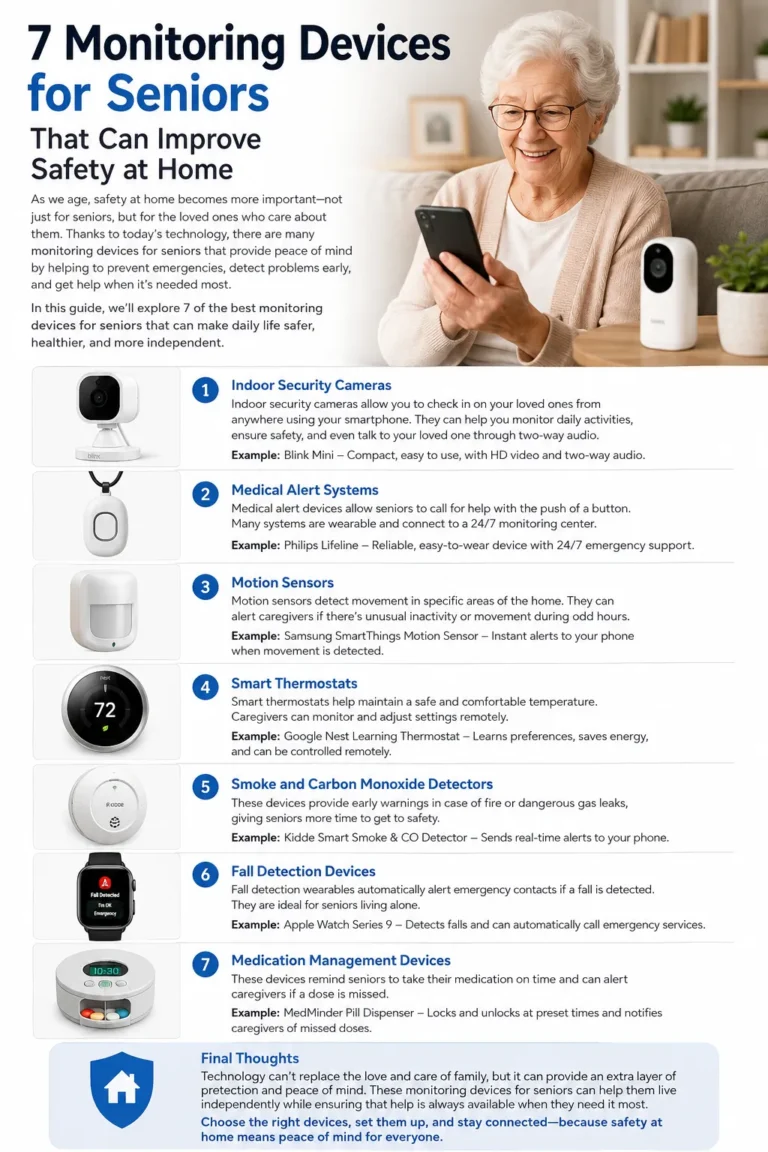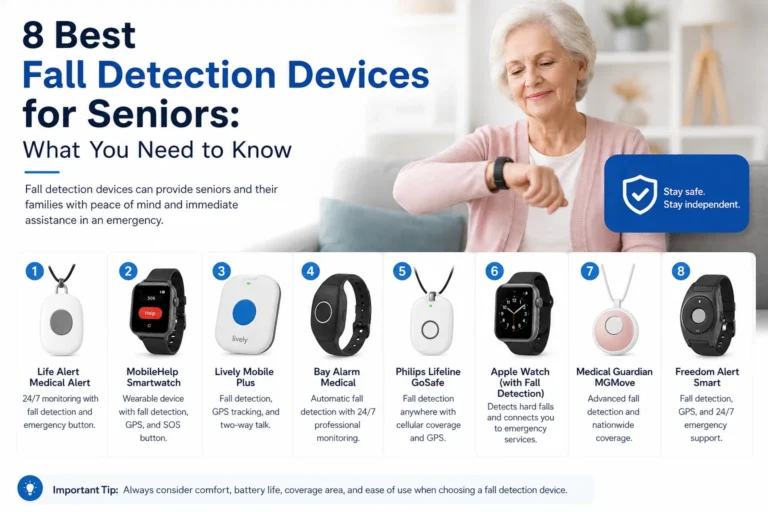
5 GPS Tracking Devices for Seniors: Features, Benefits & Buying Tips
Choosing a GPS tracking device for seniors can give families an additional way to support an older adult’s independence while staying informed about their location when needed. These devices range from medical alert pendants and watches to dedicated GPS trackers designed around location sharing and safe-zone alerts. The right option depends on the senior’s lifestyle, comfort with technology, mobility, and the level of assistance caregivers need.
A good GPS tracking device for seniors should be easy to use, comfortable enough to wear consistently, and supported by reliable connectivity in the area where it will be used. Some products also include SOS buttons, two-way calling, fall detection, geofencing, or caregiver apps. However, these features are not universal, and a GPS tracker should not automatically be considered a medical alert system.
Below are five common types of GPS tracking solutions, with practical guidance to help families compare them.
Why GPS Tracking Devices for Seniors Matter
For many families, the main benefit of a GPS tracker for seniors is knowing where an older relative is when they are away from home. This can be particularly useful for seniors who enjoy walking, shopping, visiting friends, or attending appointments independently. Instead of relying entirely on a smartphone, a dedicated wearable can place location technology directly on the person.
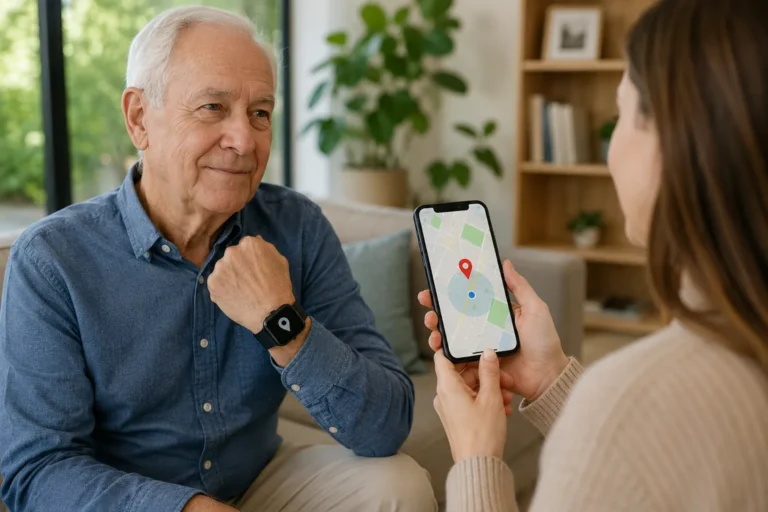
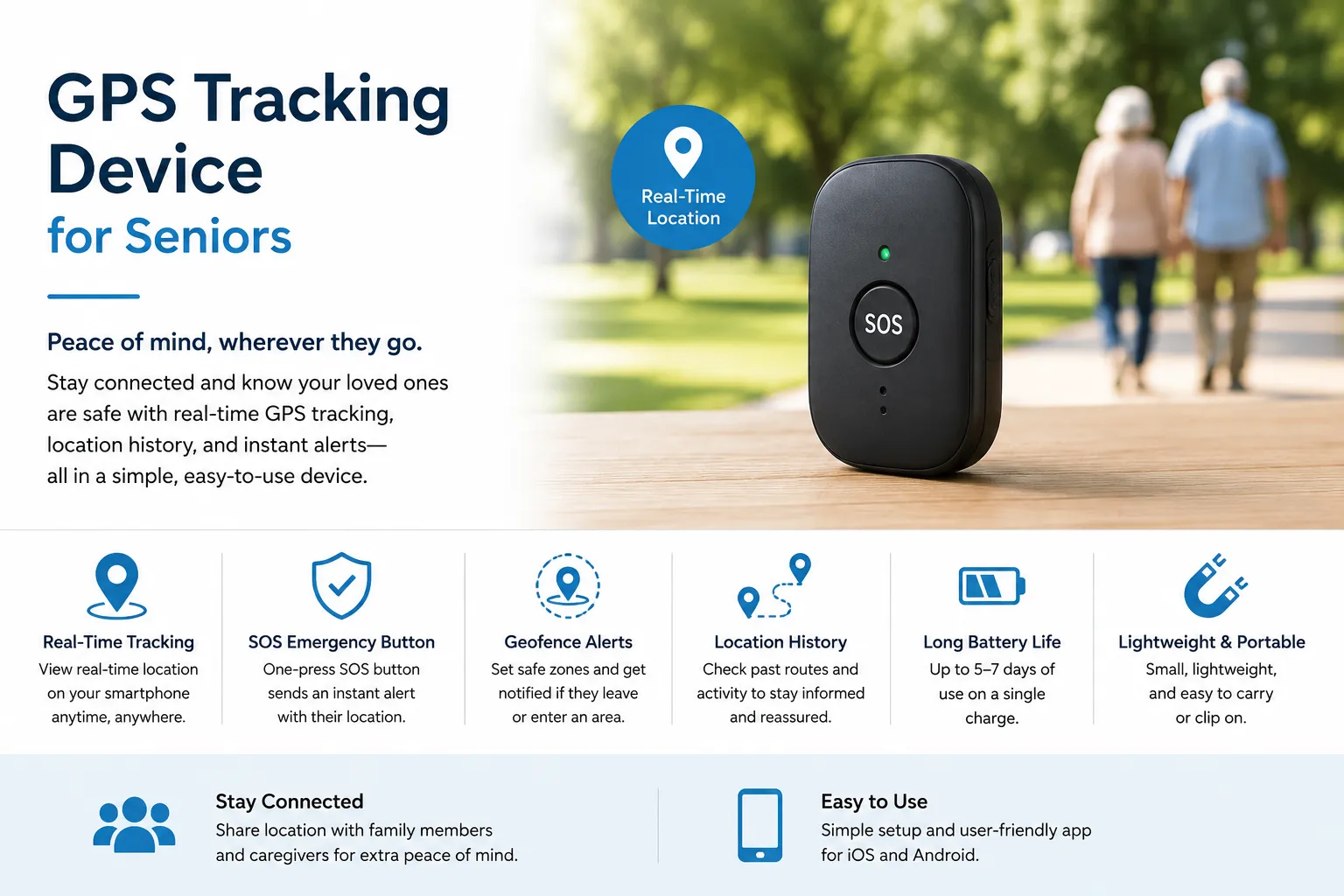
A GPS device can also provide reassurance to caregivers. Depending on the product, an authorized family member may be able to check a device’s location through an app or online portal. Some devices can send notifications when a wearer enters or leaves a predefined area, while others include an SOS button for contacting selected people or a monitoring service.
Importantly, GPS technology has limitations. Indoor positioning can be less precise than outdoor positioning, and accuracy can vary because of buildings, terrain, satellite visibility, cellular coverage, and the technology used by the particular product. A device may also need a cellular subscription to transmit its location, so GPS capability alone does not mean that the tracker can communicate from anywhere.
Features, pricing, cellular networks, subscriptions, and supported countries can vary considerably between products. Families should therefore check the manufacturer’s current information before purchasing.
How GPS Tracking Can Support Safety and Independence
A GPS device for elderly users can support independence by allowing a senior to continue everyday activities without requiring a caregiver to accompany them everywhere. For example, an older adult might take a walk around the neighborhood while a family member remains able to check their location if there is a genuine concern.
This can be especially useful when the senior is comfortable going out alone but occasionally becomes confused about directions. A location-enabled wearable can provide caregivers with information that would otherwise be difficult to obtain quickly.
Geofencing can add another useful layer. A caregiver can establish a virtual area, such as the home neighborhood or a familiar destination, and receive an alert if the device leaves that boundary. Products such as SecuLife’s senior smartwatch and Spotter’s Senior GPS Watch advertise geofencing features for this purpose.
GPS should be viewed as a senior safety device, not as a replacement for appropriate supervision or care. It is one tool that can help families make informed decisions about independence and safety.
1. GPS Medical Alert Devices
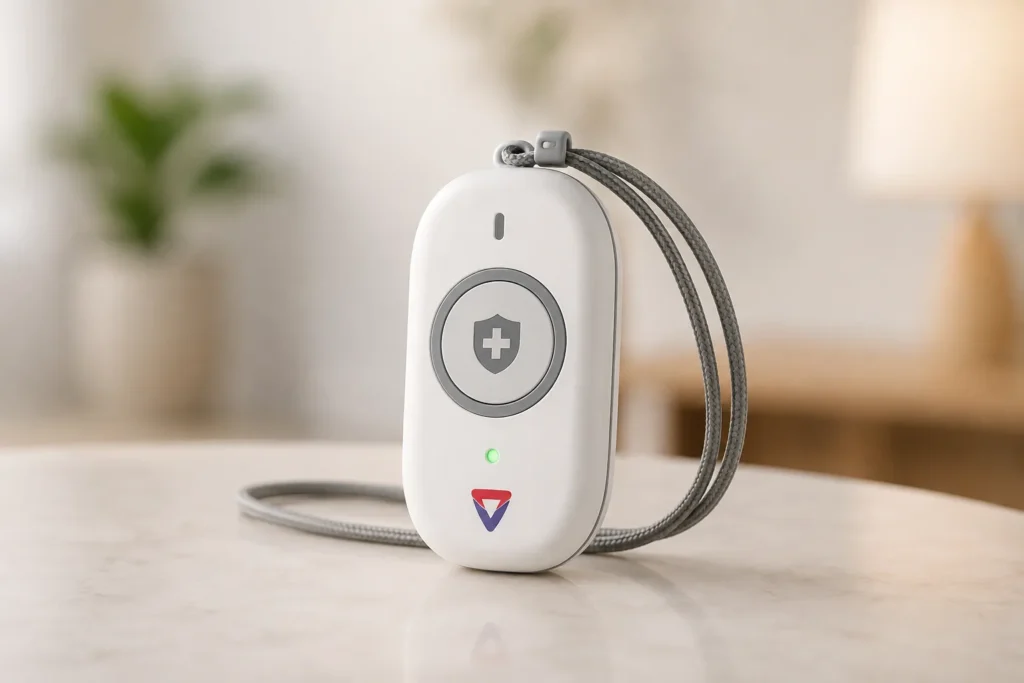
A GPS medical alert device combines location technology with emergency communication. Instead of functioning purely as a tracker, it is designed around the ability to request assistance when the wearer needs it.
One example is the Medical Guardian MGMini. Medical Guardian states that the MGMini has GPS capabilities, 4G LTE connectivity, two-way audio, and access to its emergency response operators when the help button is pressed. The company’s support information also explains that GPS information is reported when the help button is pressed.
This type of GPS tracking device for seniors may be particularly attractive to someone who wants one relatively simple device rather than a separate GPS tracker and emergency button.
There is an important distinction, however. A medical alert device with GPS is not necessarily designed for continuous location tracking. Some products primarily use location information when an emergency alert is initiated. Others provide caregiver location monitoring through an app or portal. Families should therefore read the manufacturer’s description carefully rather than assuming that every medical alert device offers continuous live tracking.
Another example is Medical Guardian’s broader range of mobile medical alert products. The company states that its Mobile Guardian and Active Guardian products include GPS capabilities, while the Active Guardian also uses Wi-Fi positioning.
- Interested in this product? Check the link below for more details, or search for the product name directly on Amazon.
Key Features to Look For
When evaluating a GPS medical alert device, focus first on how the emergency process actually works.
Ask whether pressing the SOS button contacts family members, a professional monitoring center, or both. Check whether two-way voice communication is built into the device. Also determine whether the device requires a monthly monitoring plan and whether that service is available in the senior’s location.
Battery life matters because a medical alert device is only useful when it is powered. Check how frequently it needs charging and whether the senior can easily place it on its charger.
Water resistance is another practical consideration. Seniors may wear their device around the house, outside, and during daily activities, so families should understand exactly how the manufacturer defines water resistance.
Finally, check GPS coverage. Medical Guardian, for example, specifies U.S. coverage for its MGMini, so families outside the supported market should not assume that the same service will work in another country.
2. GPS Smartwatches for Seniors
A smartwatch can be an appealing senior GPS tracker because it combines location technology with a familiar wrist-worn design. Instead of carrying a small tracker separately, the senior wears the device like an ordinary watch.
The Apple Watch SE 3 GPS + Cellular is one example of a mainstream smartwatch with safety capabilities. Apple lists GPS, cellular connectivity options, Emergency SOS, and Fall Detection among its features. The cellular version can make calls and send messages without requiring the iPhone to be nearby, subject to compatible service and network availability.
This makes a cellular smartwatch potentially useful for an older adult who is comfortable with consumer technology and already uses Apple products.
However, it is important not to confuse a general-purpose smartwatch with a dedicated elderly tracking device. A smartwatch may have many functions that a senior does not need, and the setup can be more complicated than a simple emergency pendant.
The choice therefore depends on the individual. A technology-friendly senior may appreciate a smartwatch, while someone who wants the simplest possible emergency device might prefer a dedicated GPS medical alert product.
Helpful Features for Everyday Use
When looking at a smartwatch as a GPS tracking device for seniors, consider whether it can work independently from the senior’s phone.
For Apple Watch, Apple distinguishes between GPS and GPS + Cellular models. The company explains that GPS + Cellular models can remain connected without the iPhone nearby when an appropriate cellular plan is active, while GPS-only models rely on the iPhone or Wi-Fi for many communication functions.
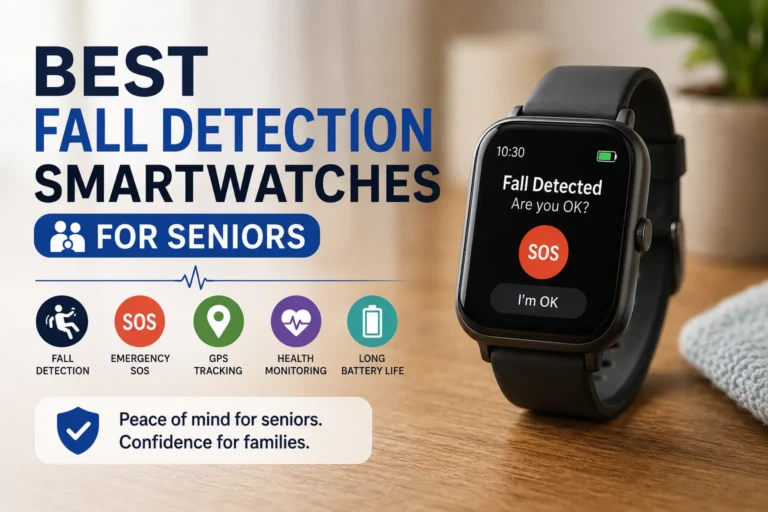
Fall Detection may also be useful. Apple says the Apple Watch SE 3 can detect a hard fall and can help connect with emergency services while sharing the watch’s location, although emergency functionality depends on regional availability and connectivity.
Families should also consider the charging routine. Apple lists up to 24 hours for the current SE 3 under its stated conditions, but actual battery life varies with usage and configuration.
For a senior who may forget to charge a device, this could be a significant practical limitation.
3. GPS Trackers for Seniors Who May Wander
A dedicated GPS tracker can be useful when the main priority is location awareness rather than a full smartwatch experience. These products are often designed around caregiver tracking, location updates, safe zones, and alerts.
The concept is straightforward: the senior carries or wears the device, and authorized caregivers use an app or web portal to view location information or receive alerts.
Geofencing can be particularly useful in this category. A caregiver can establish a familiar area and receive a notification when the device crosses the boundary. SecuLife, for example, describes geofence notifications that alert caregivers when a device enters or leaves designated safe zones.
The Spotter Senior GPS Watch is another example of a product specifically marketed toward older adults and people with memory problems. Spotter says its watch provides GPS location tracking, SOS alerts, calling, and configurable zones through its app.
These products can be useful for families who want more than simple location sharing but do not necessarily need a traditional medical-alert monitoring system.
When Location Tracking Can Be Useful
Location tracking can be useful when a senior regularly travels independently and the family wants an additional way to locate them if necessary.
For example, an older adult might walk to a local shop every afternoon. If they unexpectedly take a different route and a geofence alert is generated, the caregiver can investigate rather than waiting until the senior has been gone for a long time.
This does not mean GPS should be used to monitor every movement unnecessarily. The senior should understand what information is being collected, who can access it, and why the system is being used.
Privacy is particularly important when choosing an elderly tracking device. Families should select a product that gives them an appropriate level of information without collecting more data than necessary.
Another point is that GPS tracking is not guaranteed to prevent wandering or an accident. It can provide location information, but caregivers still need a plan for responding to alerts.
4. Wearable GPS Trackers
Wearable GPS trackers come in several forms, including watches, pendants, bracelets, and small clip-on devices. Their biggest advantage is convenience: the device travels with the senior instead of remaining at home.
A wearable can be especially useful for someone who spends time outdoors. A home-based sensor cannot provide location information once the senior leaves the property, whereas a cellular GPS wearable may continue communicating wherever the required network service is available.
The SecuLife Elderly Fall Detection Smartwatch with SOS Button is an example of a wearable product that combines GPS tracking with SOS and caregiver-app functionality. SecuLife states that the device supports real-time GPS tracking, geofencing, two-way calling, and fall detection. The company also states that an active subscription is required for its tracking, app, alerts, calls, and premium features.
That last point illustrates why families should always look beyond the device’s purchase price. A GPS tracker may appear inexpensive initially but require an ongoing cellular or monitoring subscription.
Comfort, Battery Life, and Ease of Use
The best GPS tracking device for seniors is one the senior will actually wear.
A technically impressive tracker is not very useful if it is uncomfortable, too complicated, or visually unappealing. Look for a device that is lightweight, easy to fasten, and simple enough for the wearer to understand.
Battery life deserves equal attention. GPS and cellular communication can consume significant power, especially when frequent location updates are enabled. SecuLife, for example, states that shorter location-update intervals can reduce battery life.
Families should therefore create a charging routine. Charging at the same time each day or overnight can make it easier to remember.
Also consider whether the device can be worn in the situations where it matters most. If the senior frequently removes it, the family should understand when location protection is unavailable.
5. GPS Tracking Devices With Emergency Features
Some GPS products go beyond location sharing by adding emergency buttons, two-way communication, fall detection, or other alert functions.
The MedAlert Personal Medical Alert Watch 4G with GPS, for example, is marketed with GPS tracking, geofencing, a panic alarm, voice calling, and fall detection. The manufacturer describes its system as capable of sending alerts to predefined contacts and providing location information through its app.
Another example is the Spotter Senior GPS Watch, which combines GPS, SOS, calling, and safe zones.
These combinations can be attractive because families do not have to manage several separate devices. One wearable can potentially handle everyday location sharing and emergency communication.
But the word emergency should always be examined carefully. Some products contact designated family members, while others connect to professional monitoring centers or emergency services. Those are not equivalent services.
Before buying, read exactly what happens when the SOS button is pressed.
What to Consider Before Buying
Start with the emergency chain.
Does the device call a caregiver? Does it send a text message? Does it connect to a professional monitoring center? Can the wearer speak through the device? Does the alert include location information?
Next, check whether the service operates in the country and region where the senior lives. Cellular networks and emergency-service integrations vary by location.
For example, Apple explains that Emergency SOS availability and emergency calling capabilities vary by country, region, cellular service, and device configuration.
The same principle applies to dedicated GPS products. A device designed for one country’s cellular networks may not function in another country.
Finally, check the subscription. Some GPS trackers require a monthly plan for cellular connectivity and app access. Others may require separate service plans. SecuLife explicitly states that its senior smartwatch requires an active plan to use GPS tracking and related services.
Key Features to Compare Before Buying
When comparing a GPS tracker for seniors, it helps to put the important features side by side rather than focusing on marketing claims.
| Feature | Why It Matters | Questions to Ask |
|---|---|---|
| GPS accuracy | Helps caregivers locate the wearer | How does the device determine location, and how does it perform indoors? |
| Battery life | Determines how often the device needs charging | How long does it last under normal tracking use? |
| Emergency SOS | Provides a way to request help | Who receives the alert, and can the wearer speak to them? |
| Geofencing | Can alert caregivers when a boundary is crossed | How many safe zones can be created? |
| Cellular connectivity | Allows location data to reach caregivers | Which networks and countries are supported? |
| Ease of use | Encourages consistent use | Can the senior operate it without assistance? |
| Comfort | Affects whether it will actually be worn | Is it lightweight and easy to put on? |
| Subscription | Affects long-term cost | Is a monthly or annual plan required? |
| Caregiver app | Makes monitoring easier | Is the app available for the caregiver’s phone? |
| Water resistance | Useful for everyday wear | What level of water resistance does the manufacturer specify? |
GPS Accuracy
GPS accuracy is not a fixed number that applies equally everywhere.
Outdoor positioning can generally be easier than positioning inside a large building. Some products supplement GPS with cellular, Wi-Fi, or Bluetooth positioning to improve location information.
Medical Guardian, for example, explains that its Active Guardian supplements GPS with Wi-Fi positioning and states that Wi-Fi can provide faster and more accurate positioning in some circumstances.
For families, the important question is not simply “How accurate is the GPS?” Ask how the entire positioning system works in the environments where the senior spends time.
Battery Life
Battery life is one of the most overlooked features in a senior GPS tracker.
A device that needs charging every day may be perfectly appropriate for one senior and impractical for another. If the wearer has difficulty remembering charging routines, a longer-lasting tracker may be preferable.
Frequent location updates can also affect battery life. Spotter and SecuLife both provide product information illustrating that location-update behavior and tracking frequency can influence how often a device needs charging.
Emergency SOS
An SOS button should be easy to identify and activate.
Ideally, the senior should be able to use it without navigating complicated menus. Families should also test the emergency procedure before relying on the device.
Do not assume that every SOS button contacts emergency services. Some devices alert designated contacts, while others connect to a professional monitoring service. Apple, for example, describes Emergency SOS as a way to try to call emergency services and share location, subject to the device, connectivity, and regional requirements.
Geofencing and Location Alerts
Geofencing is useful when a caregiver wants to know when a senior leaves or enters a particular area.
A safe zone could be the home, neighborhood, community center, or another familiar destination. When the device supports it, the caregiver can receive a notification when the boundary is crossed.
The exact functionality varies. Some products allow multiple zones, while others may impose limits. Always check the current manufacturer’s specifications.
Ease of Use and Comfort
A GPS device should fit naturally into the senior’s routine.
Consider the size of the screen, button placement, charging method, strap or pendant design, and whether the senior can hear calls or alerts clearly.
A simple device with fewer features can be a better choice than a sophisticated device that causes confusion.
How to Choose the Right GPS Tracking Device for a Senior
The best GPS tracking device for seniors depends on the person’s lifestyle and the reason the family wants tracking in the first place.
If the primary concern is emergency assistance while the senior is out of the house, a GPS medical alert device such as the Medical Guardian MGMini may make sense because it combines GPS capability with an emergency response service.
If the senior enjoys technology and already uses an iPhone, an Apple Watch GPS + Cellular model could be worth considering because it combines location, communication, Emergency SOS, and fall-detection features.
If the main concern is wandering or unexpected movement outside a familiar area, a dedicated tracker with geofencing may be more appropriate. SecuLife and Spotter are examples of products that specifically advertise GPS, safe zones, and caregiver alerts.
Before making a purchase, answer these questions:
- Does the senior actually need continuous location tracking, or only location assistance during emergencies?
- Will the senior wear the device consistently?
- Does it work with the cellular networks available in the senior’s area?
- Is a subscription required?
- Who receives emergency alerts?
- Does the device support geofencing if that feature is important?
- How frequently will it need charging?
- Can the senior operate the SOS function independently?
- Does the caregiver’s phone support the required app?
- What happens if the device loses cellular coverage or power?
It is also wise to test the device after installation. Check the location displayed by the caregiver app, try the SOS function according to the manufacturer’s instructions, verify notifications, and confirm that the senior understands how to use the device.
Remember that GPS technology is an additional safety layer. It does not guarantee that an emergency will be detected, that a location will always be available, or that assistance will automatically arrive.
Final Thoughts
A GPS tracking device for seniors can be a practical way to balance independence with caregiver awareness. Whether the right choice is a medical alert pendant, GPS smartwatch, dedicated tracker, wearable bracelet, or emergency-enabled GPS watch depends on the senior’s individual needs.
The most important features to compare are location capability, battery life, emergency SOS, geofencing, cellular coverage, comfort, ease of use, and ongoing subscription costs. A device should also be compatible with the senior’s daily routine and the caregiver’s ability to monitor alerts.
Real products illustrate the range of choices available. Medical Guardian offers GPS-enabled mobile medical alert devices with emergency response features, Apple offers GPS + Cellular watches with Emergency SOS and Fall Detection, while SecuLife and Spotter offer senior-focused GPS wearables with features such as location tracking, geofencing, SOS, and calling.
Ultimately, the best GPS tracker for seniors is not necessarily the one with the longest feature list. It is the one the senior is comfortable wearing, the caregiver can manage, and the family can rely on within the product’s stated capabilities.
Before buying, always verify the manufacturer’s latest specifications, supported cellular networks, pricing, subscription requirements, emergency-service availability, and compatibility in your location. Those details can change, and a GPS device that works well in one country or network environment may not provide the same functionality elsewhere.
Learn more. Choose smarter . For more information, click here